How to Watch Local Channels Without Cable: Antennas, Scans and Recording
4 min
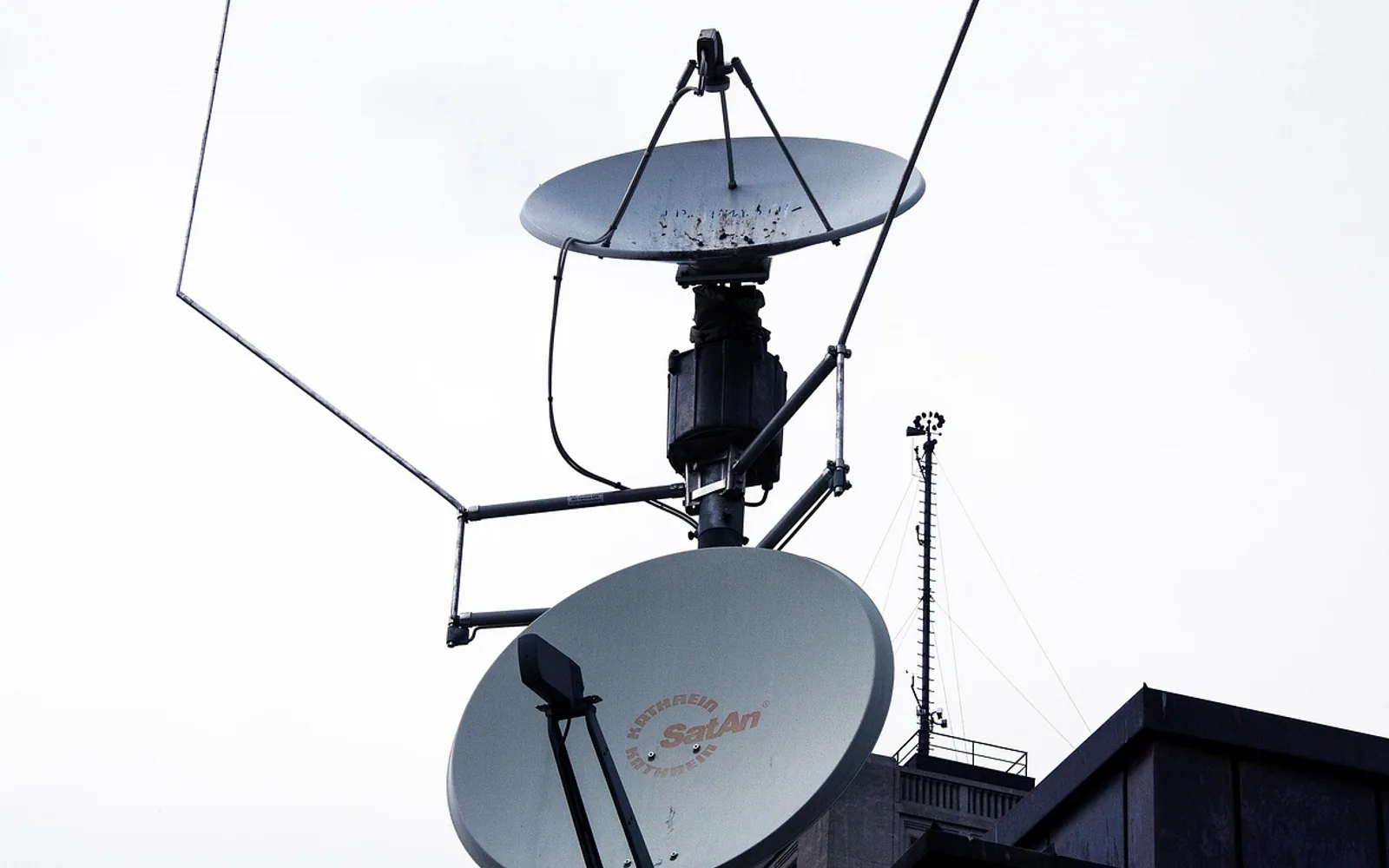
The simplest way to watch local channels without cable is an over-the-air antenna. Local stations broadcast a free digital signal; an antenna connected to a TV with a built-in tuner picks it up, and a channel scan in the TV's settings finds every station in range. There is no subscription. If you live too far from the transmitters, or want local channels on a phone or tablet, some live TV streaming services include them for a monthly fee, and many stations stream news on their own apps.
How well an antenna works depends mostly on where you live and where you put it, so a bit of homework first pays off.
What is an OTA antenna?
OTA stands for over the air. An OTA antenna receives the terrestrial TV signals that local stations send from transmitter towers. In the United States these are ATSC broadcasts; much of Europe uses a standard called DVB-T. Modern TVs sold in a given country normally include the matching tuner. Computer monitors and some screens sold as "displays" do not, and need a separate tuner box.
Despite the labels on the box, there is no special "HD antenna". Any suitable antenna receives the same digital signals, including those in high definition. What matters is the frequencies it is built for and how much signal reaches it.
Check what you can receive
Before buying anything, find out:
- Which stations broadcast near you, and roughly how far away their towers are.
- Which direction the towers lie in. If they are clustered in one direction, a directional antenna aimed that way works well; if they are spread around you, a multidirectional one is easier.
- Which band each station uses. Most use UHF, but some use VHF, and many flat indoor antennas are weak on VHF.
In many countries the broadcasting regulator or a broadcasters' group publishes reception maps where you can enter your address for this information.
Indoor, attic or outdoor antenna?
| Type | Good for | Limitations |
|---|---|---|
| Flat indoor antenna | City and suburban homes close to towers | Walls, metal and other buildings weaken the signal |
| Attic antenna | Homes a bit further out, without roof work | Roofing materials can block signal |
| Outdoor or roof antenna | Rural areas and distant towers | Installation effort; must be mounted and grounded safely |
An amplified antenna can help over long cable runs or when splitting the signal to several TVs. It cannot create signal that is not there, and near strong transmitters an amplifier can overload the tuner and make reception worse.
Placing the antenna
- Go high. Higher positions generally receive better.
- Use a window facing the towers for an indoor model.
- Keep it away from metal and from electronics such as routers and set-top boxes.
- Change one thing at a time, then rescan; small moves can make a real difference.
How to scan for channels on your TV
- Connect the antenna cable to the TV's antenna or RF input.
- Open the TV's settings and look for Channels, Broadcast or Tuner.
- Choose the antenna or air source, not cable.
- Run the automatic channel scan, sometimes called auto-program or auto-tune.
- Wait for it to finish; it can take several minutes.
Rescan whenever you move the antenna, and every few months anyway. Stations occasionally change frequencies, and a channel that vanished overnight often comes back after a fresh scan.
Recording shows: what is a DVR?
A DVR, or digital video recorder, records programmes to a hard drive so you can watch them later, pause live TV and skip ahead. Without cable you have a few routes:
- An OTA DVR box that connects to the antenna and records to a built-in or attached drive.
- A network tuner that shares antenna channels around the home and records through an app on phones and streaming devices.
- A TV with recording built in, which records to a USB drive. Recordings often play back only on that TV.
Some newer broadcast systems, sold in the US as NextGen TV, use a different standard and may need compatible equipment, and some of those broadcasts limit recording. Check the specifications before buying.
When streaming is the better route
An antenna will not help if you are far from towers or behind hills, or if you want to watch on the move. Live TV streaming services often carry local stations depending on your area, though they cost more than free broadcasts. Station apps and websites frequently stream local news, and some sports leagues sell their own packages. Picture quality on any of these depends on your internet connection and the formats involved; our explainer what is a video codec covers the latter.
For many fans, live sport is the deciding factor. Our look at why sports fans pick internet TV for live action explains what delay and frame rate mean for a match, and our piece on streaming across all your devices shows how one setup can serve every screen in the house. A common middle ground is an antenna for local channels plus one licensed streaming service for everything else.
Questions? Write to us.
Corrections are always welcome.