How to Burn a CD: Audio Discs, Data Discs and Ripping Them Back
4 min
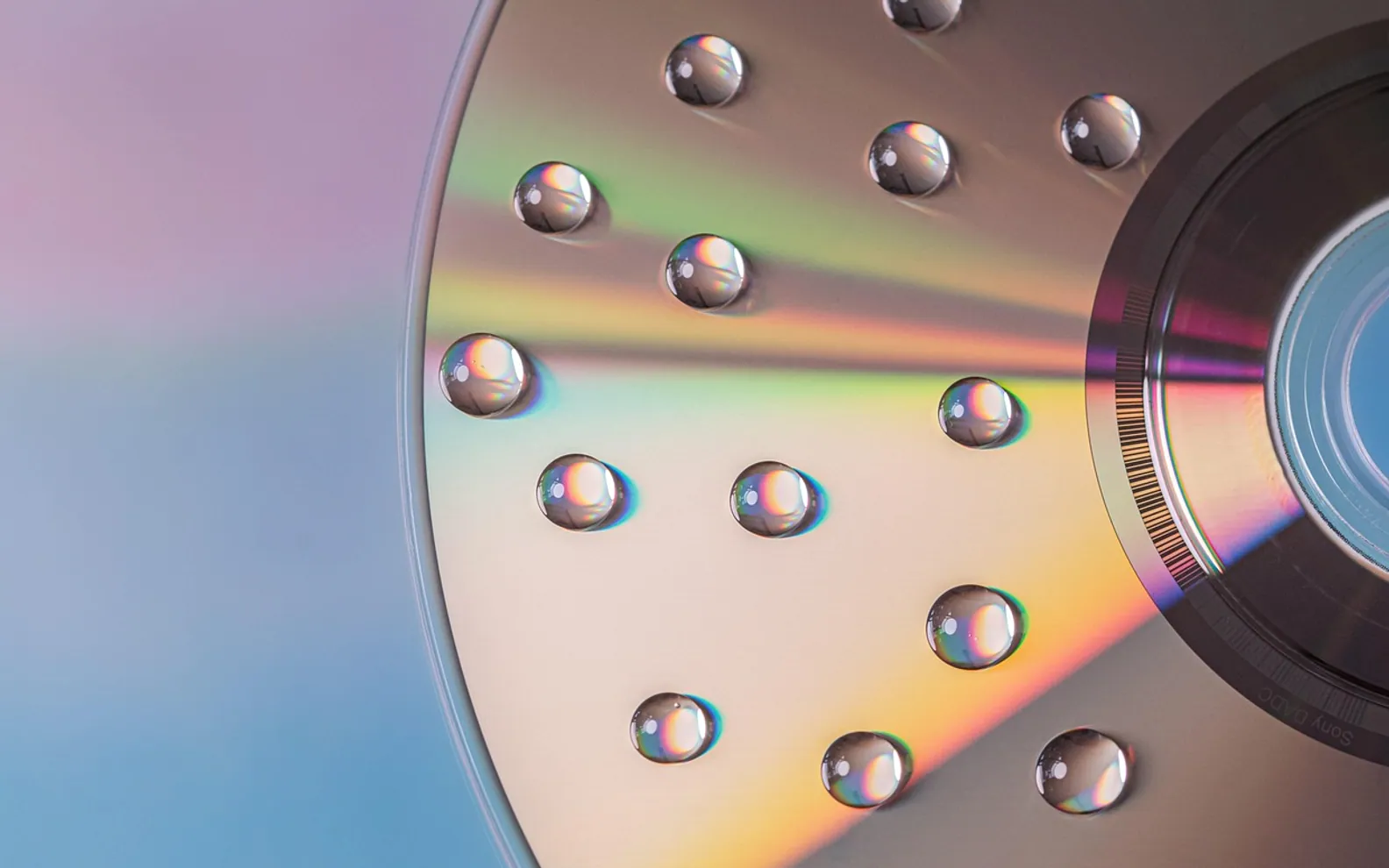
To burn a CD, put a blank CD-R into a computer drive that can write discs, add your music or files in a burning program, choose the type of disc you want, and start the burn. On Windows the built-in media player and File Explorer can do it; on a Mac the Music app burns playlists and Finder handles data discs. The whole process takes a few minutes once you know which kind of disc you need.
That choice is where most failed burns begin, so it comes first.
What you need
- A drive that writes CDs. Look for "RW" or "burner" in the drive's description. Most new laptops have no optical drive, but an external USB drive plugs in and works the same way.
- Blank discs. CD-R discs can be written once and play in the widest range of players. CD-RW discs can be erased and reused, but many older car stereos and hi-fis will not read them.
- Your music or files, gathered in one folder or playlist.
Audio CD, MP3 CD or data disc?
| Disc type | What it holds | Plays in | Best for |
|---|---|---|---|
| Audio CD | Up to about 80 minutes of music, stored as standard CD audio tracks | Almost every CD player, car and hi-fi | A mix for the car or a gift |
| MP3 CD | Many hours of compressed music files | Players and car stereos that list MP3 support | Long drives with a compatible stereo |
| Data CD | Any files up to the disc's capacity | Computers | Sharing photos or documents, small backups |
If you are unsure what a player supports, burn an audio CD. It is the format every CD player was built for.
How to burn an audio CD on Windows
- Insert a blank CD-R.
- Open the legacy media player included with Windows (search for Windows Media Player Legacy on newer versions) and switch to the Burn tab.
- Open the burn options menu and make sure Audio CD is selected.
- Drag songs from your library into the burn list. A bar shows how much time is left on the disc.
- Arrange the order, then select Start burn.
For a data disc, drag files onto the drive in File Explorer instead. When asked how you want to use the disc, the "with a CD/DVD player" option creates a disc that works on other computers once you choose Burn to disc.
How to burn a CD on a Mac
- Create a playlist in the Music app with the songs in the order you want.
- Insert a blank disc into a built-in or external drive.
- Select the playlist, then choose File > Burn Playlist to Disc.
- Pick Audio CD, MP3 CD or Data CD or DVD, set the gap between songs if you like, and click Burn.
Songs bought or downloaded with usage restrictions, and tracks that only stream from a subscription, generally cannot be burned. Only files stored on your computer that you are allowed to copy will work.
Tips for a disc that plays everywhere
- Burn at a moderate speed. The fastest setting is usually fine, but a slower burn can help with fussy or older players.
- Let it finish. Do not eject the disc, put the computer to sleep or run heavy programs during the burn.
- Close the disc. Most programs finalise audio CDs automatically; if a player shows "no disc", check that the disc was finalised.
- Label with a soft marker. Pens with solvents or hard tips can damage the recording layer under the label side.
- Store discs in cases, away from sunlight and heat.
How to rip a CD to your computer
Ripping is the reverse: copying the tracks from a CD into music files. In the Windows legacy media player, insert the disc, open Rip settings, choose the format, then select Rip CD. On a Mac, the Music app offers to import a CD when you insert it; the import settings decide the format.
Which format to pick depends on what you value:
- MP3 or AAC are compressed and small, and play on nearly everything. Higher bitrates sound closer to the original.
- FLAC, ALAC or WAV are lossless: a perfect copy of the CD audio, at a much larger file size.
Many people keep a lossless archive and convert copies to a compressed format for the phone. Rules on copying music you own for private use differ between countries, so check what applies where you live. Bought an album at the merch table after a gig? Ripping it means you can play it on the way home; our list of what to bring to a concert covers carrying it safely.
Common questions
Why does my car stereo say "error" with a burned disc?
The usual causes are a CD-RW disc, an MP3 disc in a player that only reads audio CDs, or a disc that was not finalised. Burn a fresh audio CD on a CD-R and try again.
How many songs fit on a CD?
It depends on track length, not number. An audio CD holds about 80 minutes in total; an MP3 CD holds far more, depending on the files' size.
Is a burned CD good for long-term backup?
Home-burned discs can fail over time, so treat them as a convenient copy rather than the only one. For keepsakes, store a second copy on another drive.
A road-trip mix remains one of the nicest uses, especially for a weekend away; our guide on how to plan a city break covers the rest of the trip. For the format that came before the CD, see how vinyl records are made.
Questions? Write to us.
Corrections are always welcome.